Gruvbox for Omarchy: warm colors, editor variants and readable output
See official Gruvbox previews, inspect its palette and Neovim integration, and diagnose differences without confusing Gruvbox Material or light variants.
Based on public documentation; not hardware-tested. Match the instructions to your version and hardware.
Omarchy’s bundled Gruvbox is a dark, warm palette with a brown-gray background and pale text. It is one desktop integration, not every variation published under the Gruvbox name. The original Gruvbox project, its Lua ports and Gruvbox Material have related names but distinct configuration interfaces.
Desktop and boot-unlock previews
Section titled “Desktop and boot-unlock previews”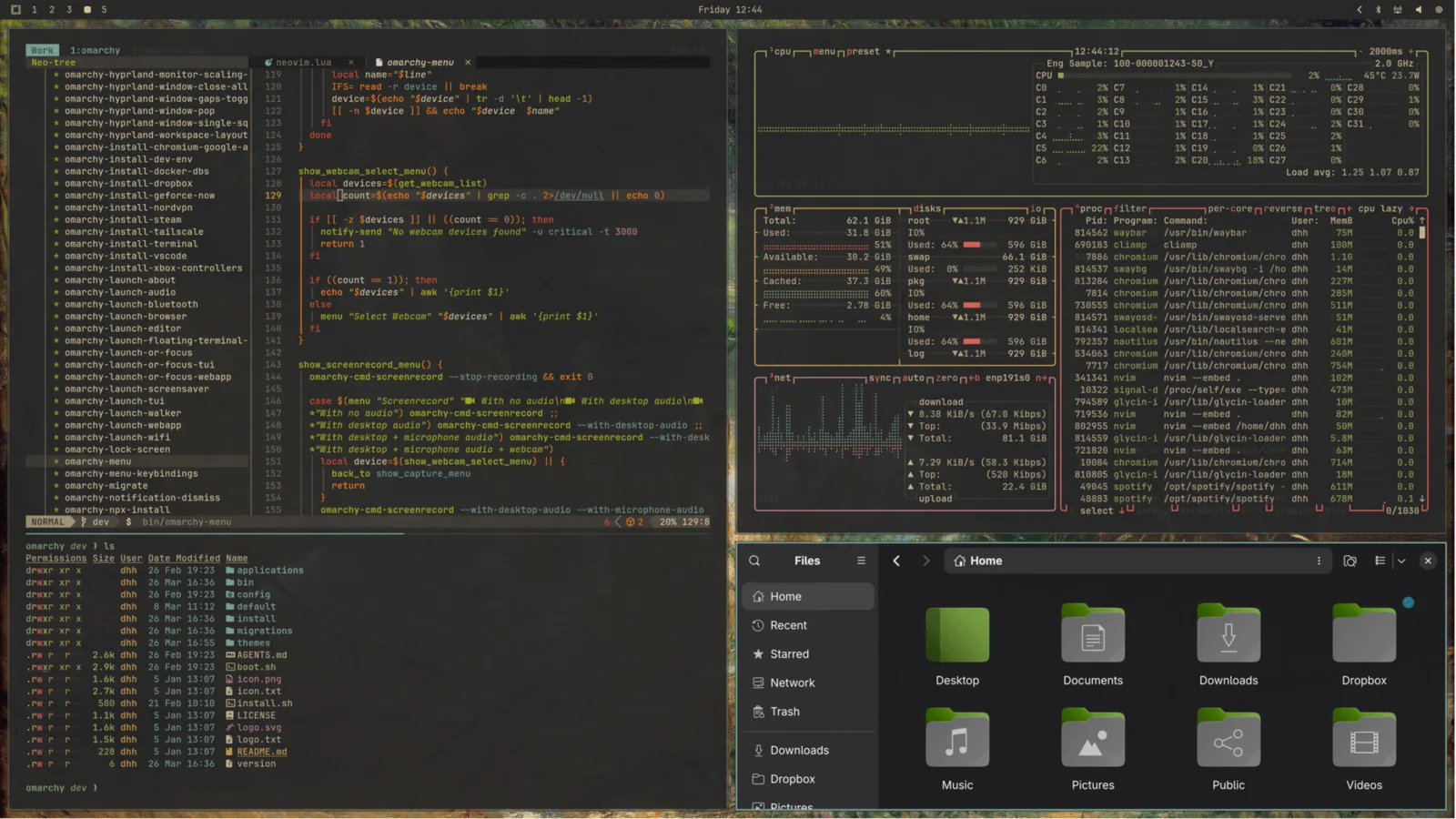
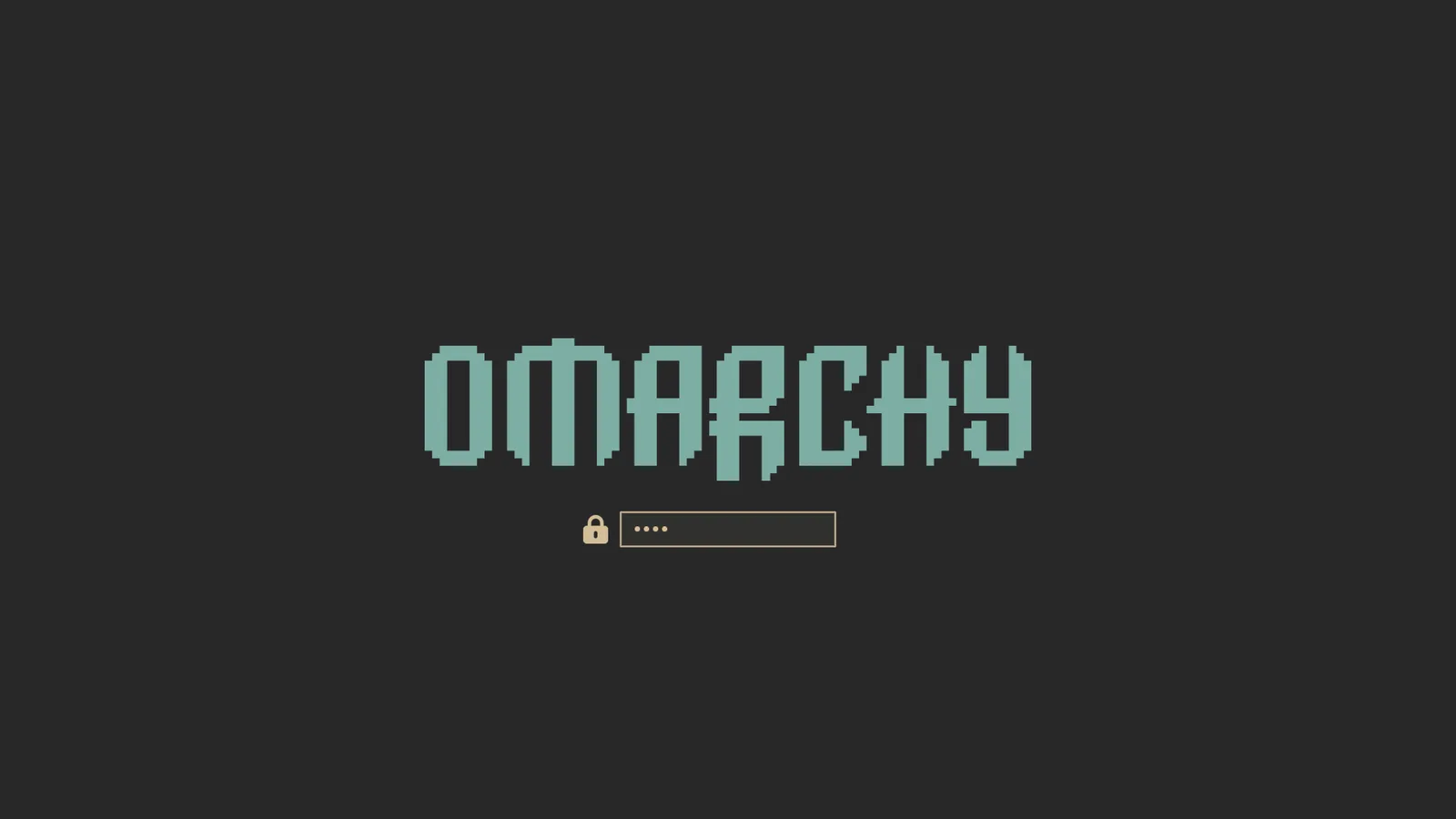
These images come from the official manual. The second is the boot-unlock preview, not evidence of the current desktop lock screen. Compare other families in the gallery.
What the pinned integration actually supplies
Section titled “What the pinned integration actually supplies”| Palette role | Value | Practical question |
|---|---|---|
| Background | #282828 |
Do nearby dark surfaces remain distinct? |
| Foreground | #d4be98 |
Is warm pale text suitable for your content? |
| Accent | #7daea3 |
Can you recognize focus without relying on wallpaper? |
| Selection | #504945 |
Is selected colored text still legible? |
| Muted | #665c54 |
Which generated consumer uses this token? |
These are the Omarchy palette values. Similarity to another project’s palette does not prove that project’s plugin is installed. The pinned Neovim file selects ellisonleao/gruvbox.nvim and the gruvbox colorscheme, not sainnhe/gruvbox-material.
Select it and compare terminal color meaning
Section titled “Select it and compare terminal color meaning”Use Style → Theme → Gruvbox, or omarchy-theme-set gruvbox in the pinned command set. No community repository is necessary. Open a fresh terminal and print a tiny ANSI sample:
printf '\033[31mred\033[0m \033[32mgreen\033[0m \033[34mblue\033[0m\n'This only prints text and restores the ordinary color after each word. It tests the terminal’s mapping of named ANSI colors; it does not test Neovim’s semantic highlights. Check that you can distinguish the words and then select them. A palette can make ordinary output pleasant while a selected blue word becomes hard to read.
For a diff, use an existing file comparison and retain the added/deleted markers. Color should complement the markers, not be the only way you know which line changed. Avoid evaluating the theme only against a carefully curated screenshot with unusually large fonts.
Why the editor can differ from the terminal
Section titled “Why the editor can differ from the terminal”Terminal colors and editor highlight groups are separate consumers. In Neovim, inspect :colorscheme and :set background?. The actual Lua port’s documentation describes contrast, transparency and highlight overrides. Setting its editor background to light does not create a complete light Gruvbox desktop in Omarchy.
If you want softer editor contrast, first identify the installed port and its existing personal configuration. Do not paste Gruvbox Material’s variables into a different plugin. Keep any experiment in your personal editor setup, test a fresh editor, then compare the shell and terminal: it is acceptable to intentionally customize only the editor if you understand that boundary.
Diagnose a common mismatch
Section titled “Diagnose a common mismatch”Suppose the shell looks like the preview, but Neovim opens in a different scheme. Check its active scheme, any user plugin that reapplies a theme, and the integration output before reinstalling Gruvbox. If the terminal also differs, resolve omarchy-theme-dir gruvbox to detect a personal same-name directory. Follow application theming to trace generation and reload.
For a warm wallpaper that makes a translucent terminal unreadable, try a quieter background or compare without translucency. This changes compositing conditions rather than the Gruvbox syntax palette.
Keep or undo the change
Section titled “Keep or undo the change”Compare the same work with Everforest or Kanagawa, keeping brightness and font size fixed. Record which surface improves. To return, select your previous theme; if you edited the Neovim plugin configuration, restore that saved file separately. Theme selection is not an undo operation for arbitrary personal editor changes. For a light desktop, compare actual light themes instead of assuming every upstream light variant is bundled.